
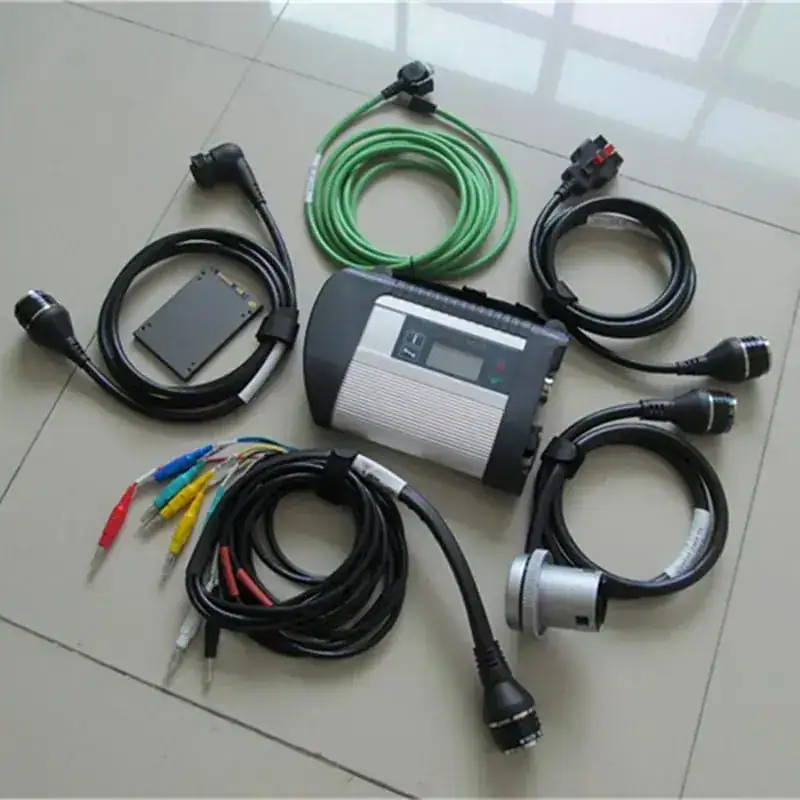
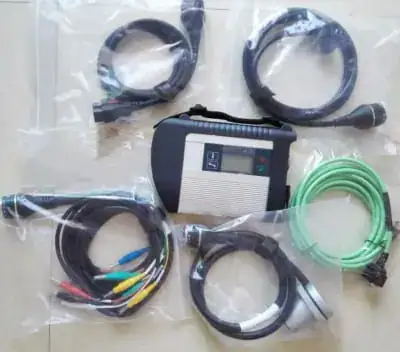
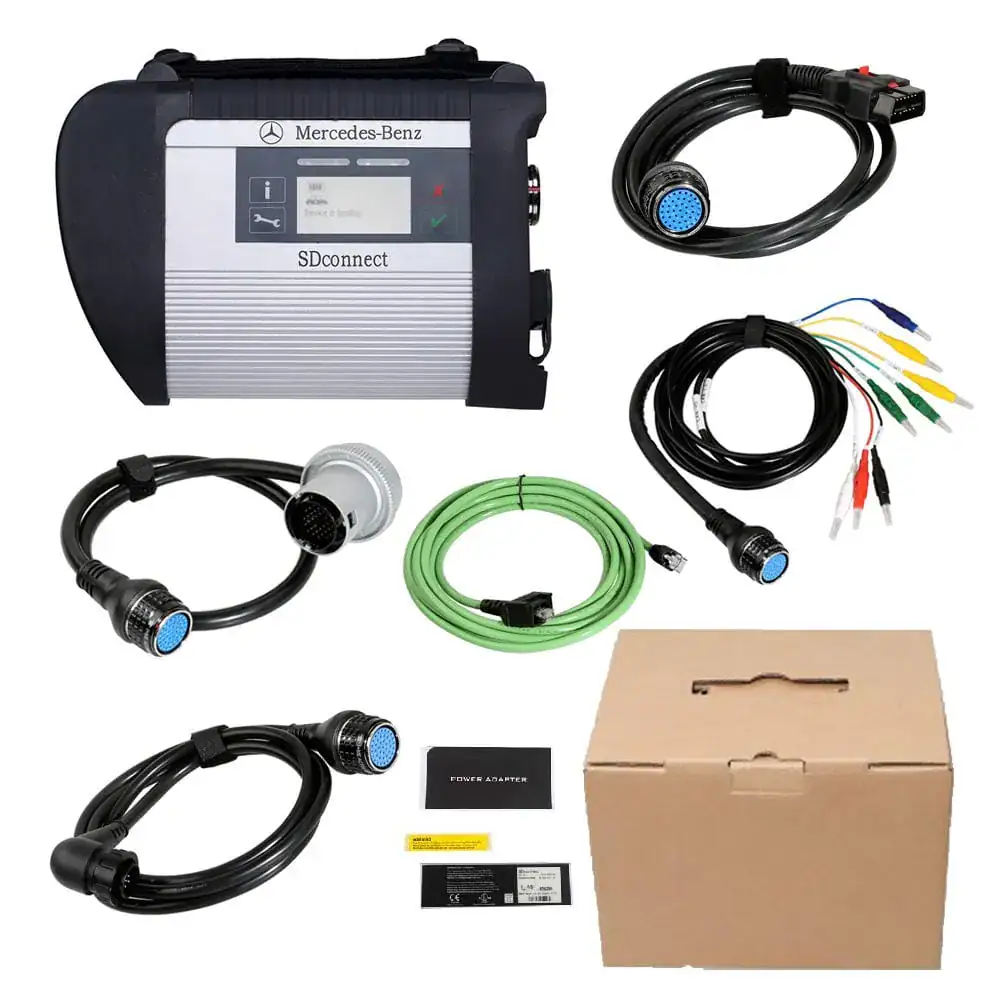
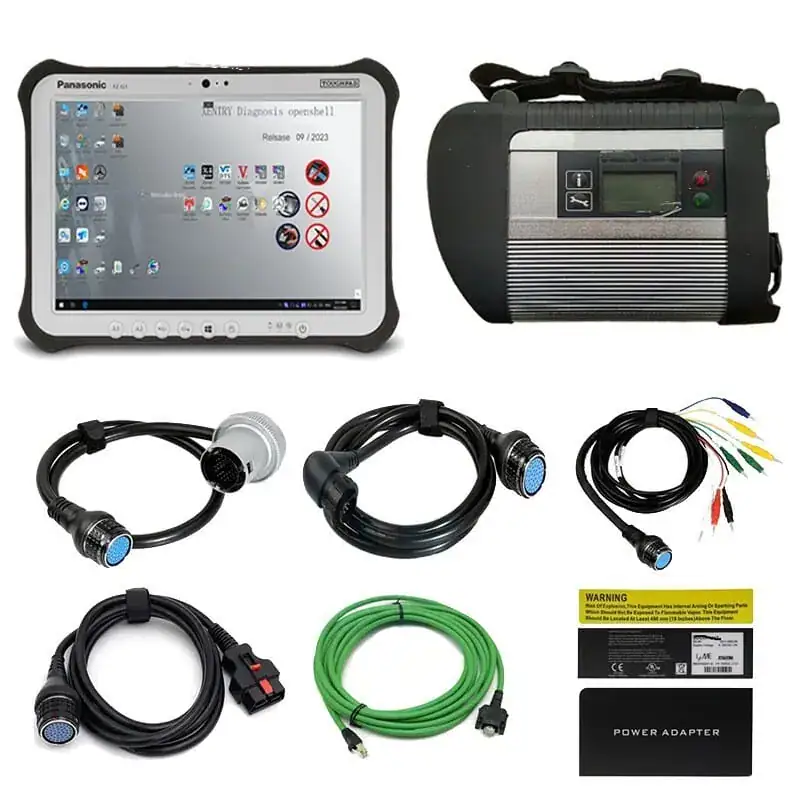


WHAT'S IN THE BOX
COMPLETE PACKAGE.
READY TO DIAGNOSE.
Everything you need arrives together. Plug in and get to work immediately.
MOST POPULAR
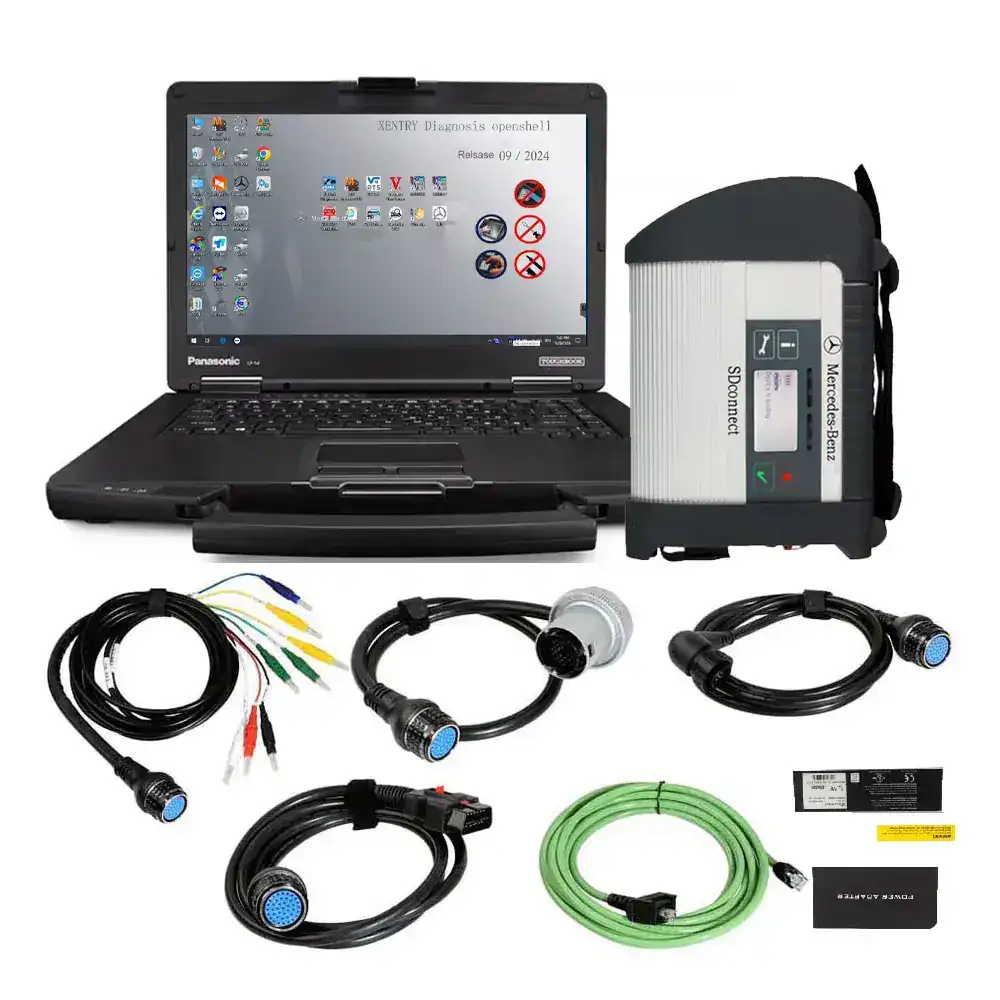
FULL LAPTOP BUNDLE
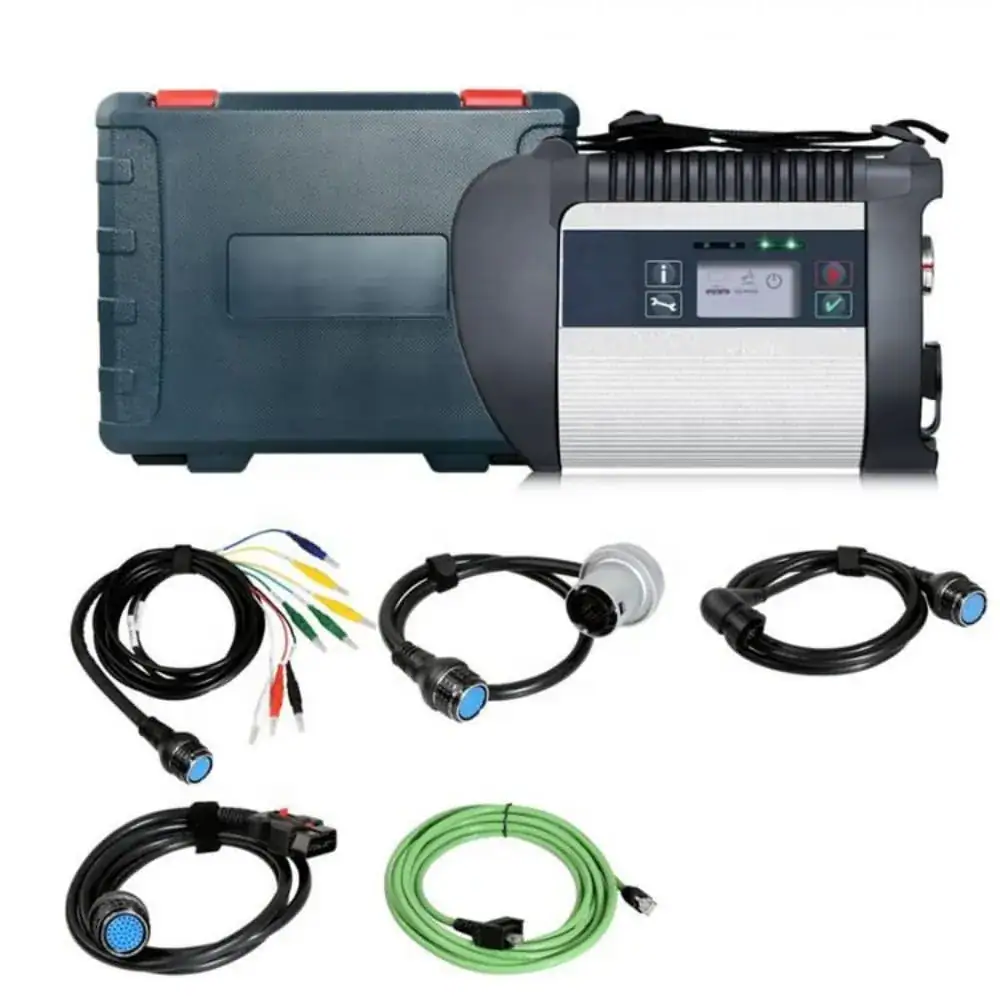
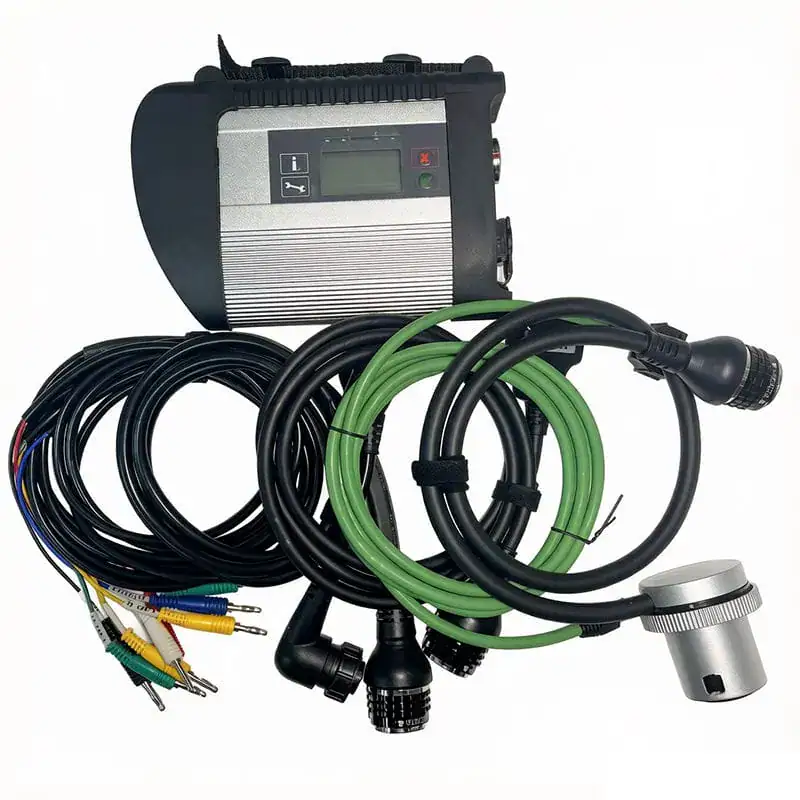
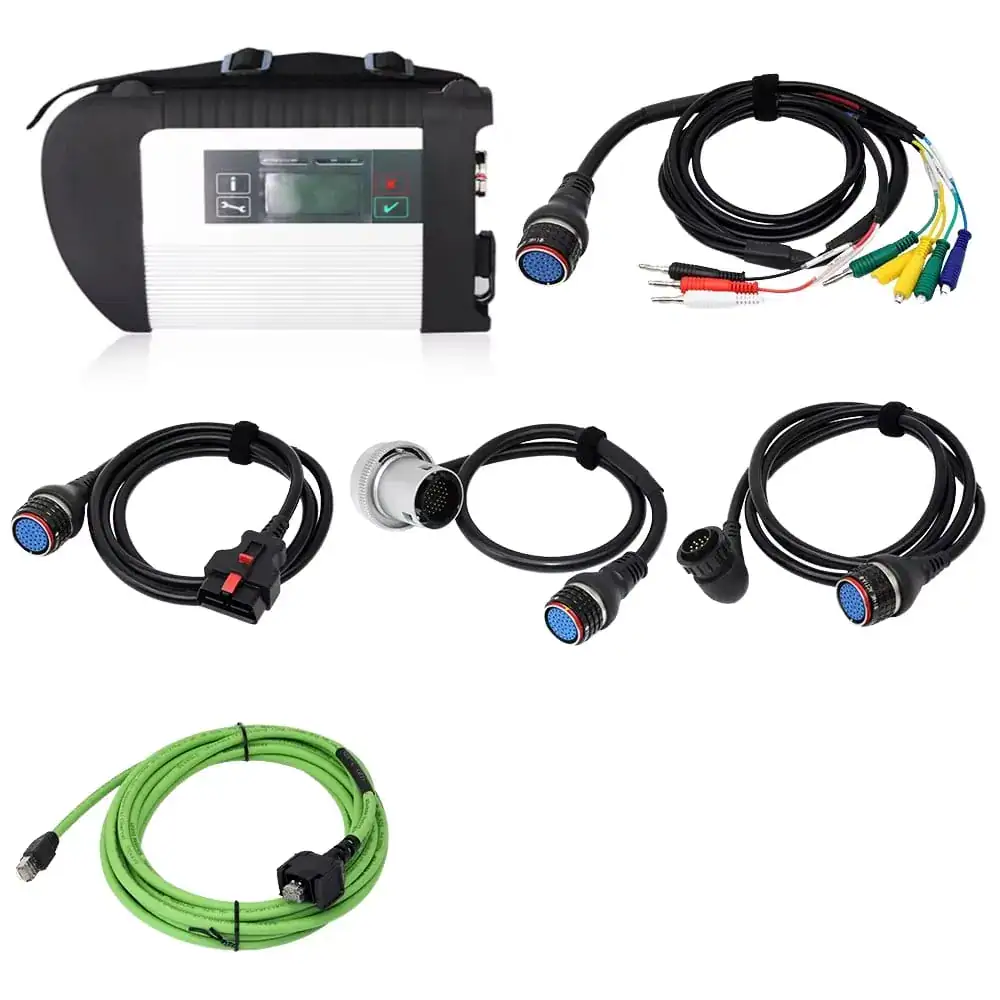
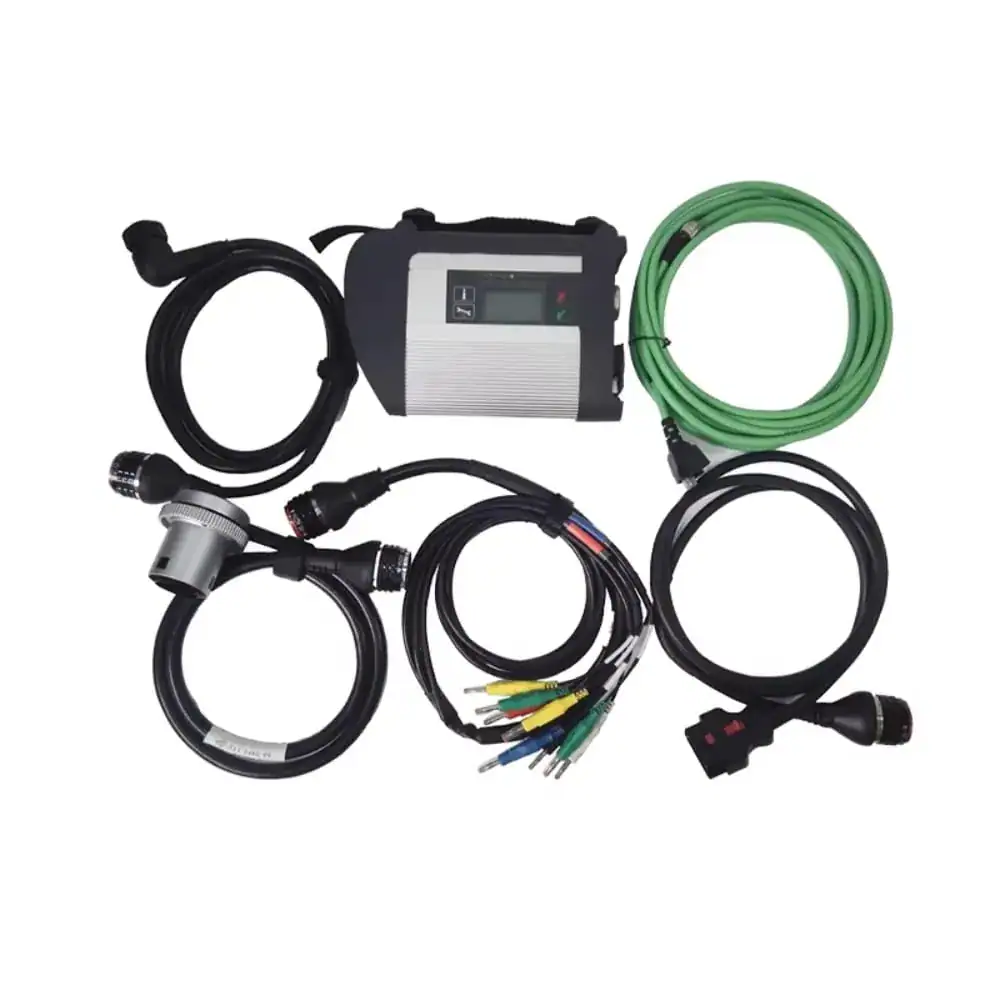
✔️ MB SD C4 DoIP Multiplexer Unit
✔️ OBD II 16-Pin Diagnostic Cable
✔️ 38-Pin Diagnostic Cable
✔️ 14-Pin Diagnostic Cable
✔️ 8-Pin Diagnostic Cable
✔️ LAN / Ethernet Cable
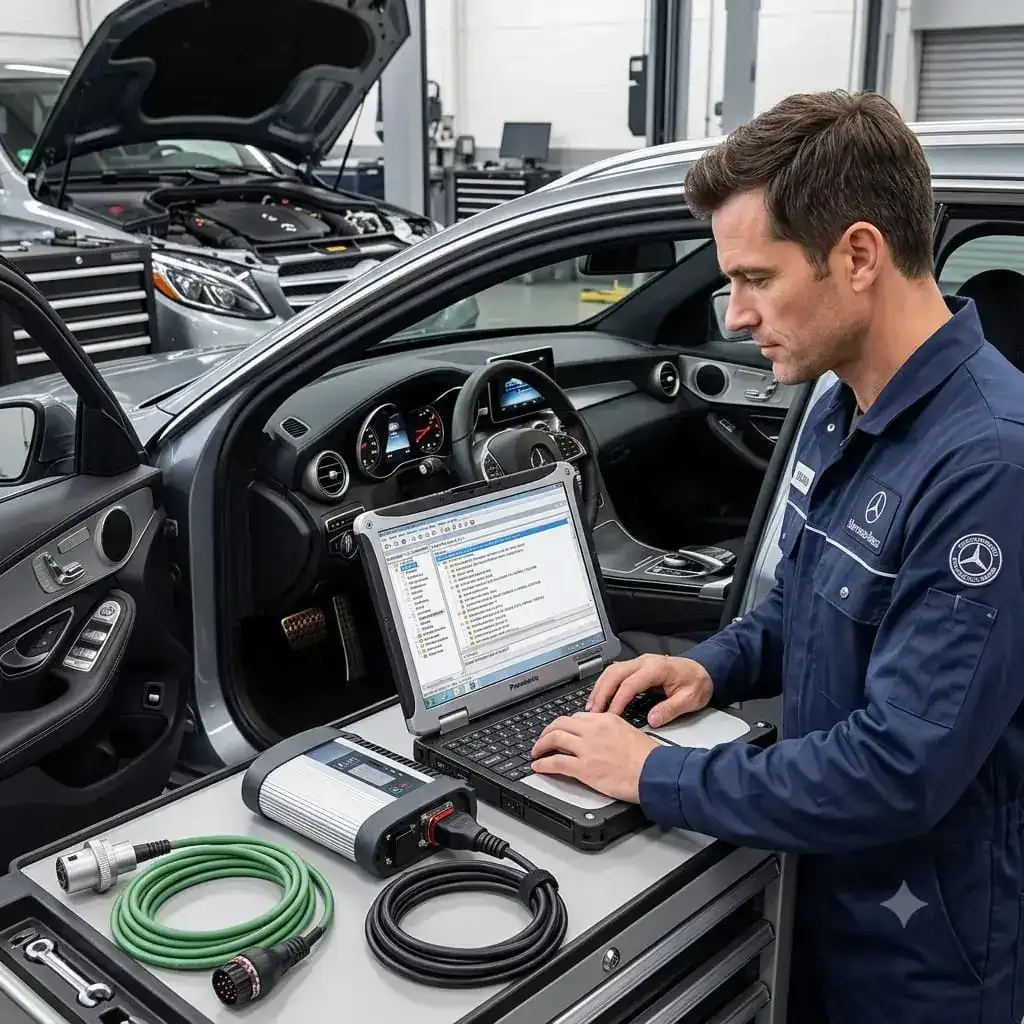
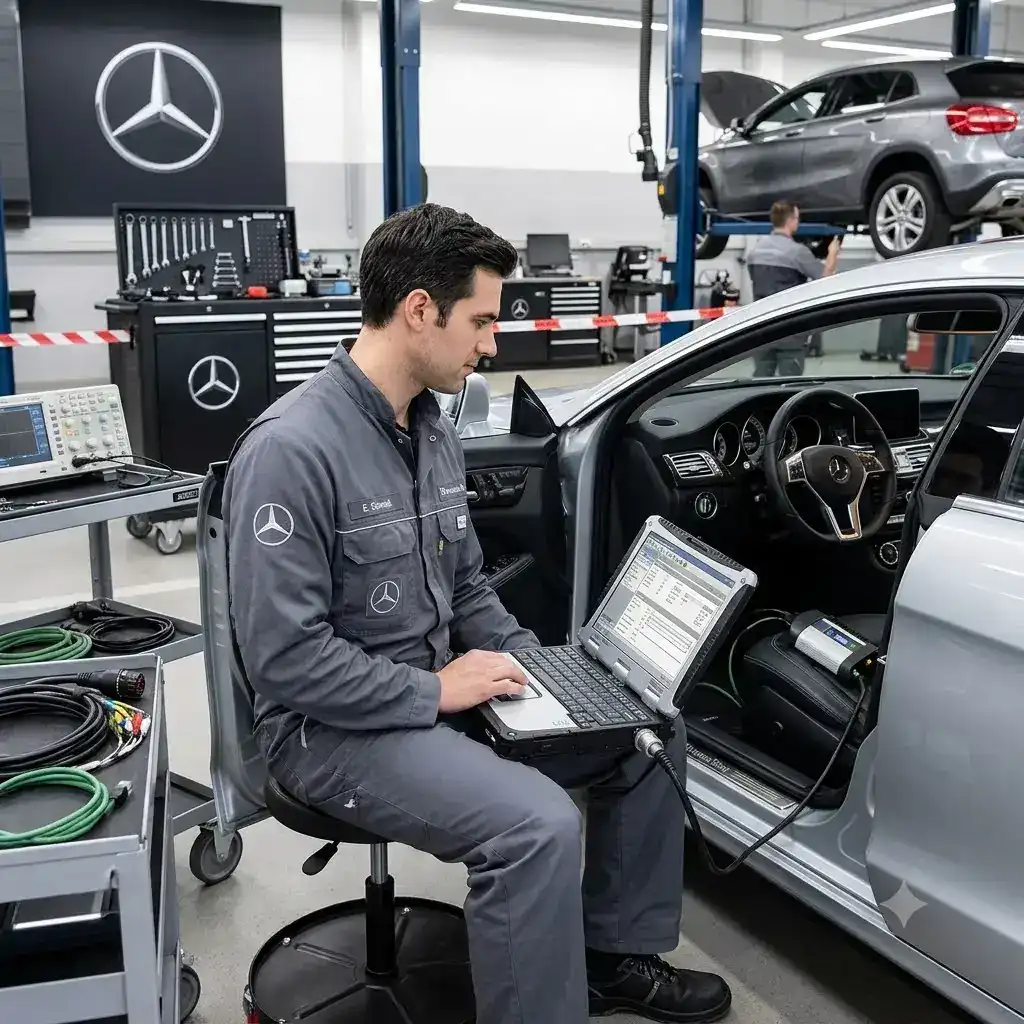
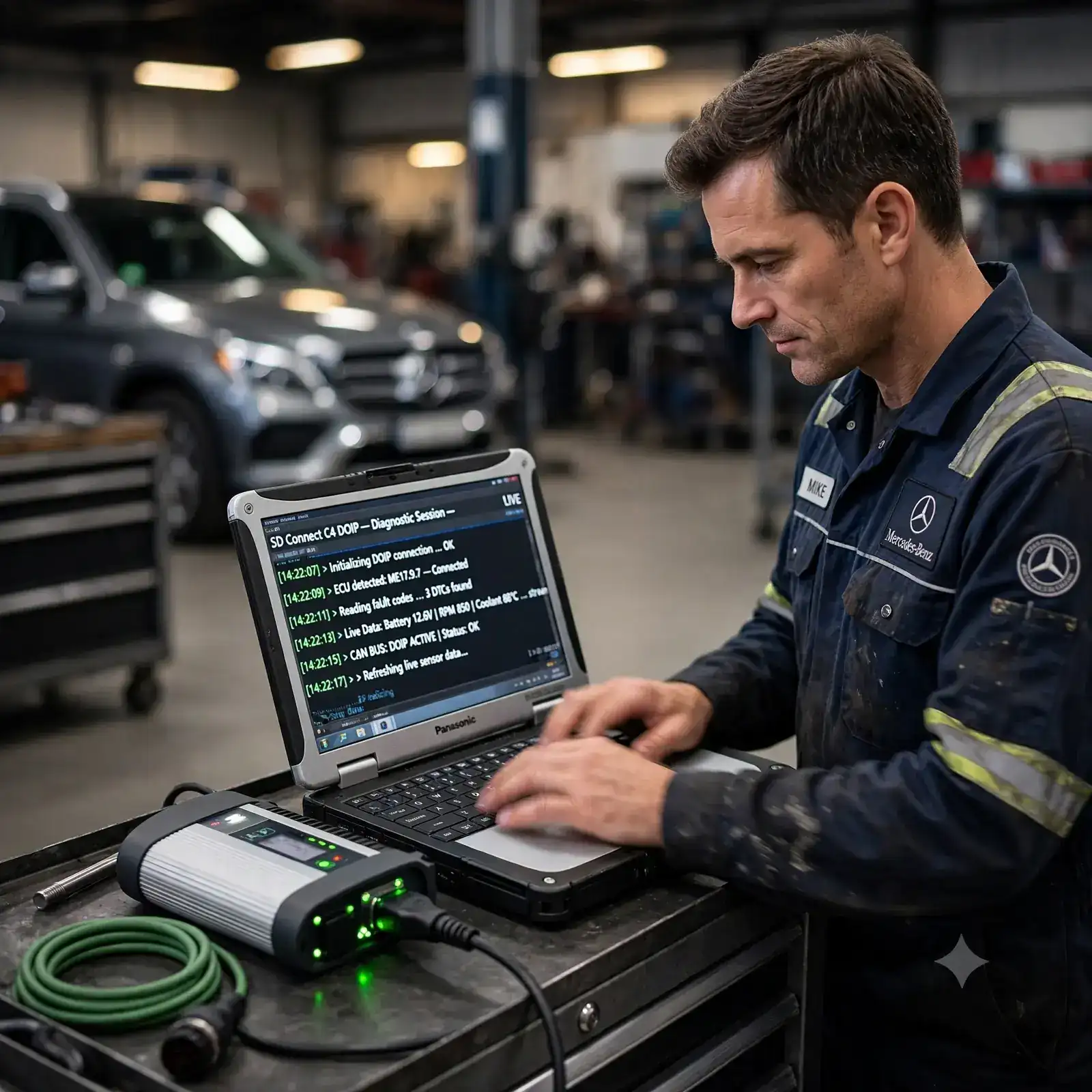
✔️ Panasonic Laptop (pre-configured)
✔️ V2026.03 Software Pre-Installed
✔️ Vediamo + DTS Monaco Included
✔️ Free Remote Installation Support
SAR 5500
To Buy Contact Us ➔FULL LAPTOP BUNDLE
WITH NEW LAPTOP
✔️ MB SD C4 DoIP Multiplexer Unit
✔️ OBD II 16-Pin Diagnostic Cable
✔️ 38-Pin Diagnostic Cable
✔️ 14-Pin Diagnostic Cable
✔️ 8-Pin Diagnostic Cable
✔️ LAN / Ethernet Cable
✔️ Dell / HP Laptop Core i5 ( New )
✔️ V2026.03 Software Pre-Installed
✔️ Vediamo + DTS Monaco Included
✔️ Free Remote Installation Support
SAR 7000
To Buy Contact Us ➔MULTIPLEXEER ONLY
✔️ MB SD C4 DoIP Multiplexer Unit
✔️ OBD II 16-Pin Diagnostic Cable
✔️ 38-Pin Diagnostic Cable
✔️ 14-Pin Diagnostic Cable
✔️ 8-Pin Diagnostic Cable
✔️ LAN / Ethernet Cable
✔️ Software Download Link
✔️ Offline Diagnostic Certificate
✔️ Remote Software Setup Available
SAR 4500
To Buy Contact Us ➔SOFTWARE NOTES
✔️ Windows 10 64-bit required
✔️ Min. 8GB RAM required
✔️ SSD 556GB/ 1TB
✔️ Remote install: NOT for iOS/Mac
✔️ Not compatible with virtual OS
✔️ Car & Truck software selectable
✔️ Authorization & certificate included
✔️ Remote assistance provided
Price To Be Nigotiate
To Buy Contact Us ➔Why Choose C4 DoIP
BUILT FOR PROFESSIONALS.
PRICED FOR WORKSHOPS.
Every feature engineered for precision diagnostics, from basic fault reading to deep ECU programming.
SAR 5500
To Buy Contact Us ➔COMPLETE SOFTWARE SUITE
EVERYTHING YOU
NEED, SUPPORTED.
01
DAS V2026.03 / V2023.09
Automatic Diagnosis Assistance System. Supports W257 and all new cars. Offline smart programming for sedans included.
02
Xentry V2026.03
Mercedes-Benz official diagnosis software for all vehicles after April 2009. Latest release with extended model support.
03
WISnet 2021.10
Complete workshop wiring diagrams, component locations, and maintenance data. Enter VIN to retrieve full vehicle specs.
04
EPC.net 2018.11
Electronic Parts Catalog — find the exact part number for any component on any Mercedes-Benz vehicle by VIN.
05
DTS Monaco V9.02+V8.16
Professional engineering software for ECU variant coding, adaptation, flash programming. Offline capable.
06
Vediamo V5.01.01
Advanced engineering software for deep ECU access. Offline programming support for all supported ECUs.
07
ST Finder 2023
Part location finder with 2016, 2020, and 2023 databases. Find any component in seconds.
08
HHT + PL76 + SD Media
Legacy support tools for older vehicles. PL76 2022.01, SD Media 2014, HHT for classic Mercedes-Benz models.
VEHICLE COVERAGE
COVERS THE ENTIRE
MERCEDES-BENZ FLEET
From the smallest Smart to the largest Actros truck — if it has a Mercedes engine, C4 DoIP supports it.
SAR 5500
To Buy Contact Us ➔1. General Fault Code Diagnosis (All Models)
WHAT ERRORS & FAULTS THIS TOOL DIAGNOSES / FIXES
2. Truck & Commercial Vehicle Specific Faults
3. Password-Free Special Function Faults
4. ECU Programming, Coding & Key Faults
5. Legacy & Classic Mercedes-Benz Faults
6. New-Generation DoIP Faults (W206 / W223 and newer)
COMPLETE PACKAGE INCLUDED
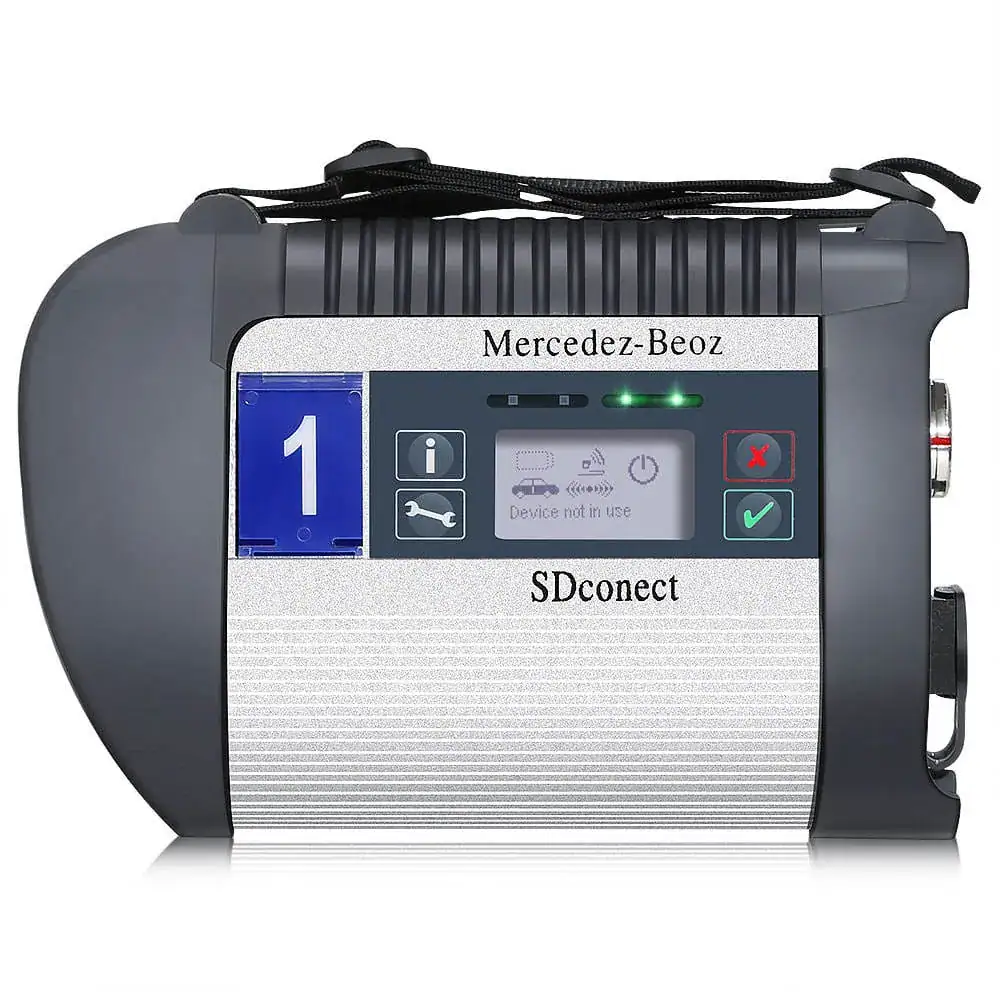
1. Multiplexer (Main Unit — MB SD Connect C4 DoIP)
12V, 24V To 32V Vehicles , Capable up to 50℃ Temprature, 1 Year Warranty
The MB SD Connect C4 DoIP multiplexer is an advanced diagnostic tool. It comes with a built-in WiFi chip, full DoIP support, and a military-grade connector. In fact, this connector can handle over 10,000 plug and unplug cycles.
The body is waterproof, shockproof, and tamper-proof. So, it works safely with both 12V cars and 24V trucks. It also supports K-Line, CAN BUS, and UDS protocols. Every chip inside is original and tested for 24 hours before shipping.
Older tools only supported CAN BUS. However, this unit also provides DoIP, which is essential for newer Mercedes models like the W206 and W223. Because it's wireless, mechanics can move freely around the vehicle without cable restrictions. As a result, firmware flashing stays safe with zero risk of damage.
Using it is simple. First, connect it to the car via OBD cable or a 12V power supply. Then, wait for 3 beeps and 3 red LED flashes — this confirms the unit is ON. Next, link it to your laptop through WiFi or a LAN cable. Finally, open Xentry or DAS software and start your diagnosis right away.
2. OBDII 16 Pin Cable
The OBDII 16 Pin Cable is a standard, universal connector. It has a heavy-duty design built for daily workshop use. This cable is the main physical link between the multiplexer and the vehicle's OBD port. Without it, there's no way for the two to communicate.
It offers a plug-and-play fit for all Mercedes-Benz vehicles from 2002 onwards. So, no extra setup is needed. That makes it a simple but essential part of the kit.
To use it, just plug one end into the multiplexer and the other into the car's OBD2 port. You'll usually find this port under the dashboard, near the driver's seat. Then, turn the ignition ON — the software will detect the vehicle and start communication instantly.
3. 38 Pin Cable
The 38 Pin Cable has a proprietary Mercedes-specific connector with heavy-gauge wiring. This design ensures stable and reliable signal transfer. It's built specifically for older Mercedes-Benz models — the ones that came before the standard OBD2 era.
Vehicles made before 2002 don't have a standard OBD2 port. Therefore, this cable is the only way to connect for diagnostics on these classic Benz models. Without it, running any diagnostic or programming function on older vehicles simply isn't possible.
To use it, connect the 38-pin end to the multiplexer. Then, plug the other end into the diagnostic port of the older Mercedes vehicle. Next, open DAS software, which covers models from 2000 to 2008. Select your vehicle model, and begin the scan.
4. 14 Pin Cable
The 14 Pin Cable has a heavy-duty connector with a robust metal housing. It's built specifically for commercial vehicles and trucks. As a result, it delivers stable signal transfer even in high-vibration environments, where standard cables often struggle.
Mercedes commercial vehicles like the Sprinter, Vario, and T1/T2 series use a unique 14-pin diagnostic port. Neither the standard OBD2 cable nor the 38-pin cable can connect to it. So, this cable is the only solution for fully diagnosing and programming these vans and trucks.
To use it, connect the 14-pin cable to the multiplexer. Then, locate the 14-pin diagnostic port on the vehicle — usually in the engine bay or cabin area. Turn the ignition ON, open DAS Truck software, select your vehicle, and begin diagnostics.
5. 8 Pin Cable
The 8 Pin Cable features a compact, precise design with a secure and durable connector housing. It's built specifically for certain older Mercedes and Smart car models — particularly the Smart 450, 451, 452, and 454 series — where standard cables simply don't fit.
Without this cable, critical functions like key programming, SAM assignment, and special offline operations on these models become impossible. That's why it's an essential part of the kit for any workshop handling Smart cars or early Benz models.
To use it, attach the 8-pin cable to the multiplexer. Then, connect the other end to the 8-pin diagnostic port on your Smart or older Benz. Open DAS software, select your model, and perform key teach-in, variant coding, or fault diagnosis — all fully offline, with no internet connection required.
6. LAN Cable
The LAN Cable is a standard RJ45 Ethernet cable. It delivers high-speed, stable, and interference-free wired data transfer. Plus, it's compatible with all laptops and computers. This makes it the most reliable connection method between the multiplexer and your diagnostic workstation.
Workshop environments are often full of equipment that disrupts WiFi signals. Even a single second of disconnection during critical operations — like ECU programming or firmware flashing — can permanently damage the ECU. So, this wired connection isn't just convenient; it's essential for safe, uninterrupted work.
Also, the very first WiFi setup on the multiplexer requires a LAN cable connection.
To use it, plug one end into the multiplexer's ethernet port and the other into your laptop's LAN port. Then, set your laptop's LAN IP address to 172.29.127.119. Once the lock icon on your screen switches to unlocked, the connection is confirmed. After that, you can remove the LAN cable and start working wirelessly.
7. Panasonic Laptop
The Panasonic Laptop in the kit comes with a minimum of 8GB RAM, 300GB hard disk space, and Windows 10 64-bit. It has a rugged build designed to handle a busy workshop environment.
Most importantly, it's pre-loaded with the complete MB Star diagnostic software suite. This includes Xentry, DAS, Vediamo, DTS Monaco, WIS, EPC, and more — all fully installed and authorized from day one.
Not every laptop works well with MB Star software. If you try to set it up on the wrong machine — with low RAM, an incompatible OS, or limited storage — you risk crashes, failed installations, and hours of wasted time. This pre-configured laptop removes that headache completely.
To get started, simply power on the laptop. First, connect it to the multiplexer via LAN cable for initial setup. Then, configure WiFi for wireless use going forward. Next, open Xentry or DAS from the desktop, select your vehicle, and connect the right cable. You can begin full diagnosis or programming immediately — no extra configuration needed.
8. Xentry V2026.03 Diagnostic Software
Lifetime Warranty
Xentry V2026.03 is the latest official Mercedes-Benz diagnostic software included with the kit. It offers dealer-level diagnostics for cars, SUVs, vans, and trucks. So, technicians can read and clear fault codes, run live data analysis, perform actuator tests, carry out service functions, and access ECU information with precision.
It's also designed for smooth compatibility with the C4 DoIP multiplexer. As a result, Xentry supports DoIP communication for the latest Mercedes-Benz models — delivering fast, stable, and accurate diagnostics in any professional workshop.
9. Vediamo + DTS Monaco Included
Vediamo and DTS Monaco are professional Mercedes-Benz engineering tools included in the kit. They're built for advanced coding, ECU programming, and module configuration.
These tools are designed for experienced technicians. So, they unlock hidden engineering functions beyond standard diagnostics — including ECU variant coding, parameter modification, calibration, adaptation, and SCN-free offline programming.
Because they're fully compatible with the C4 DoIP multiplexer, Vediamo and DTS Monaco deliver a stable, dealer-level engineering solution for modern Mercedes-Benz vehicles.
10. Free Remote Installation Support
Free Remote Installation Support comes included with your kit. This ensures a smooth, hassle-free setup from day one.
Our technical experts remotely install and configure all required diagnostic software. They also verify proper communication with the multiplexer and confirm your system is fully ready to use.
From software activation and driver installation to final testing — every step is handled professionally. As a result, you can start diagnosing, coding, and programming Mercedes-Benz vehicles without any technical difficulties.
SAR 5500
To Buy Contact Us ➔MULTI-LANGUAGE SUPPORT
YOUR LAUNGAGE,
YOUR WORKSHOP.
Default is English. Request your preferred language when ordering — we'll configure it for you at no extra charge.